
Being online is a huge part of our life now, but are we actually secure? Honestly, I feel like 90% of us are still using those same old passwords that can be hacked so easily. In this article, I’m gonna share some tools and tips that I’ve personally used myself. Some things might seem a bit technical to you at first, but trust me, these are super important in today’s world.
In the digital landscape of 2026, our identity is no longer defined by physical documents alone. Our “true” self exists in the vast expanse of the internet residing in our email archives, financial portals, and encrypted cloud storage. However, as technology has advanced, so have the methods of cyber-criminals. We are now living in an era where AI-driven social engineering and deep fake identity theft are common threats.
If you value your privacy, relying on a simple “strong password” is like bringing a knife to a gunfight. This comprehensive guide provides a strategic, step-by-step roadmap to fortifying your digital presence against modern threats.
1. The Death of Passwords: Embracing Passkeys

For decades, we were told to use complex passwords with symbols and numbers. In 2026, this advice is obsolete. Sophisticated AI algorithms can now “brute-force” or predict almost any traditional password in seconds.
What are Passkeys?
Passkeys are a cryptographic replacement for passwords. They link your digital identity to a physical device (your phone or computer) using biometrics like Face ID or fingerprints. Since there is no “text” to steal, a hacker cannot phish your login credentials.
- Action Plan: Transition your primary accounts (Google, Microsoft, Apple, and Banking) from passwords to Passkeys.
- Tool Recommendation: Bitwarden is currently the best open-source manager that fully supports Passkey storage across all devices.
2. Moving Beyond SMS: Advanced Multi-Factor Authentication (MFA)
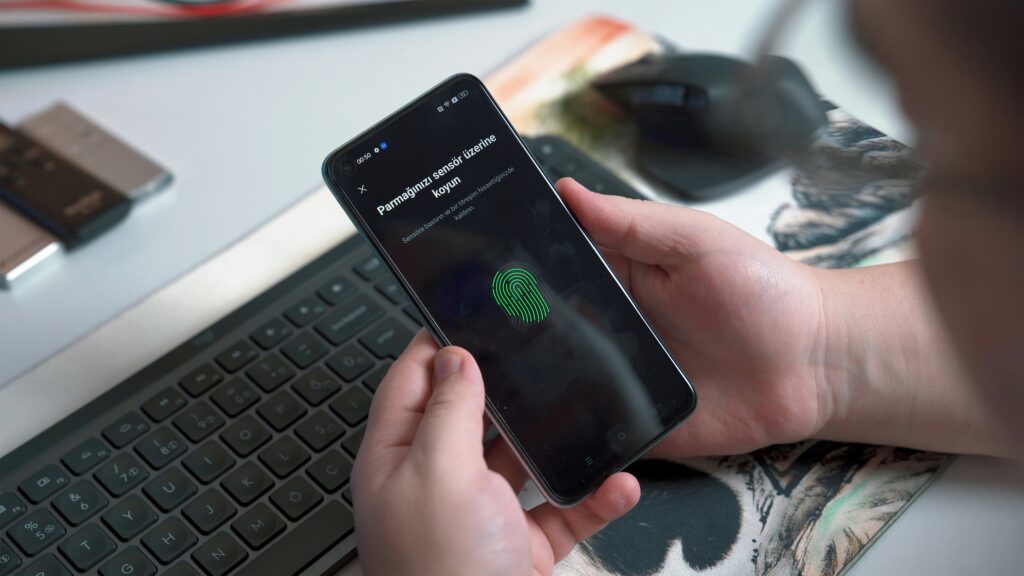
In 2026, SMS-based One-Time Passwords (OTPs) are considered a major security vulnerability. Through “SIM Swapping” attacks, hackers can redirect your text messages to their own devices, granting them full access to your accounts.
The Professional Approach
To truly secure your identity, you must use Hardware Security Keys or Time-based OTP (TOTP) apps.
- Hardware Keys: Devices like the YubiKey 5 Series are the gold standard. Even if a hacker has your username and password, they cannot enter your account without physically touching the key plugged into your device.
- Authentication Apps: If a hardware key isn’t feasible, use Google Authenticator or 2FAS. These apps generate codes locally on your phone, meaning they cannot be intercepted over the cellular network.
3. Defending Against AI-Powered Phishing and Deepfakes

The most dangerous threat in 2026 is AI Phishing. Hackers now use Large Language Models (LLMs) to craft emails that mimic the exact writing style of your boss or your bank. Even more terrifying is “vishing” (voice phishing), where AI clones the voice of someone you trust.
How to Stay Vigilant:
- Implement a “Safe Word”: For family and close business associates, establish a secret word or phrase to verify identity during suspicious phone calls.
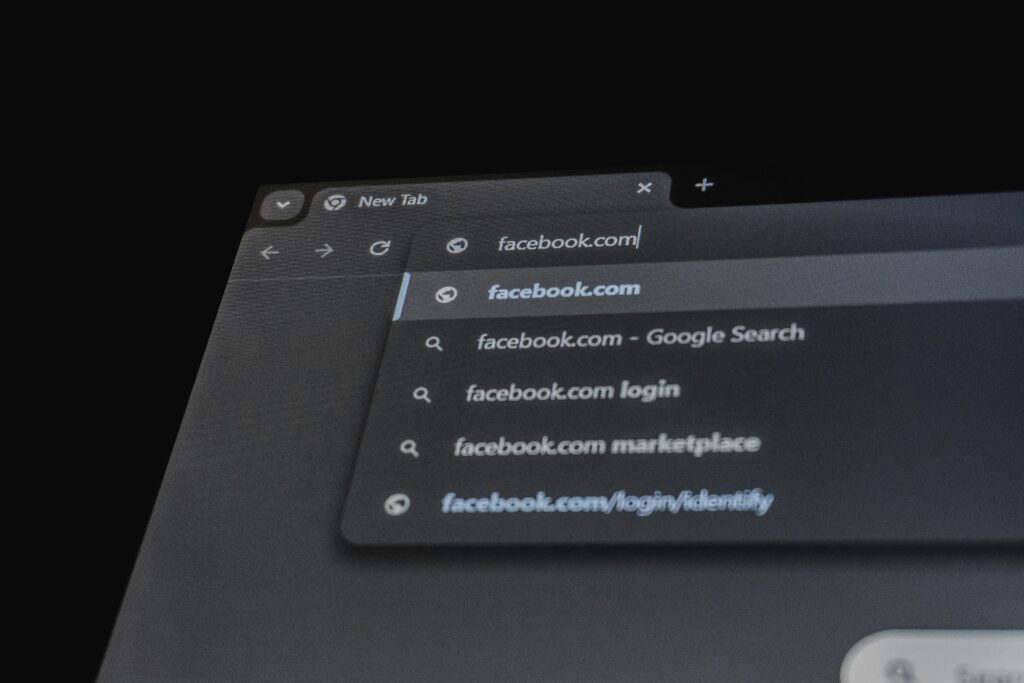
- Check the Metadata: Never click links in emails that create a sense of extreme urgency. Always navigate directly to the official website by typing the URL into your browser.
4. Minimizing Your Digital Footprint (The “Data Diet”)

Every piece of information you leave online your old high school on Facebook, your birthday on a forgotten forum is a puzzle piece for a hacker.
Cleaning the Slate:
- Audit Your Accounts: Use tools like SayMine to discover every company that holds your personal data and send automated requests to delete it.
- Remove Public Records: Personal information brokers sell your data to anyone for pennies.
- Tool Recommendation: Incogni or DeleteMe. These services act as your digital lawyers, automatically scouring the web and forcing data brokers to remove your phone number, home address, and email from public view.
5. Network Privacy: Why a VPN is Non-Negotiable

Public Wi-Fi at airports and cafes remains a “honeypot” for data interception. In 2026, “Man-in-the-Middle” (MitM) attacks have become automated.
- The Solution: Use an Always-On VPN (Virtual Private Network). A VPN creates an encrypted tunnel for your data, making it unreadable to anyone on the same network.
- Top Picks for 2026: NordVPN (for its high-speed Threat Protection Pro) and Surfshark (for unlimited device connections).
6. Secure Browsing and Search Engines
Google is a data-harvesting machine. If you want to secure your identity, you must stop being the product.
- Switch Browsers: Use Brave or LibreWolf. These browsers block trackers and fingerprinting scripts by default.
- Private Search: Use DuckDuckGo or SearXNG to ensure your search history isn’t used to build a behavioral profile of you.
Summary of the 2026 Digital Security Stack
| Layer | Recommended Tool |
| Credential Manager | Bitwarden / 1Password |
| Hardware Security | YubiKey 5C NFC |
| Data Removal | Incogni |
| Network Encryption | NordVPN |
| Private Browser | Brave Browser |
Conclusion
Securing your digital identity in 2026 is not a “set it and forget it” task. It is a continuous process of staying informed and choosing privacy over convenience. By implementing Passkeys, utilizing hardware authentication, and cleaning your digital footprint, you move from being a “target” to being a “fortress.”
Stay safe, stay encrypted, and take control of your digital life today.





Leave a Reply